

Discovering that your computer has been hacked is a stressful situation that requires an immediate response. This type of hacking can involve the theft of a password, the presence of malicious software, or fraudulent access to your bank details. In most cases, hackers use a virus or malware to infiltrate your sensitive files.
Knowing what to do if you fall victim to a hacker attack is essential to limiting the damage. Whether it's a simple case of hacking or a more complex attack, you need to act quickly: isolate the machine, use a reliable antivirus and secure your exposed accounts. These first aid measures can prevent the attack from further compromising your digital life.
In such a situation, securing a compromised computer or PC involves some simple but crucial steps. Check that your software is reliable, keep regular back-ups and avoid downloading dubious files. On windows, the first step is to update your systems to reduce exploitable vulnerabilities.
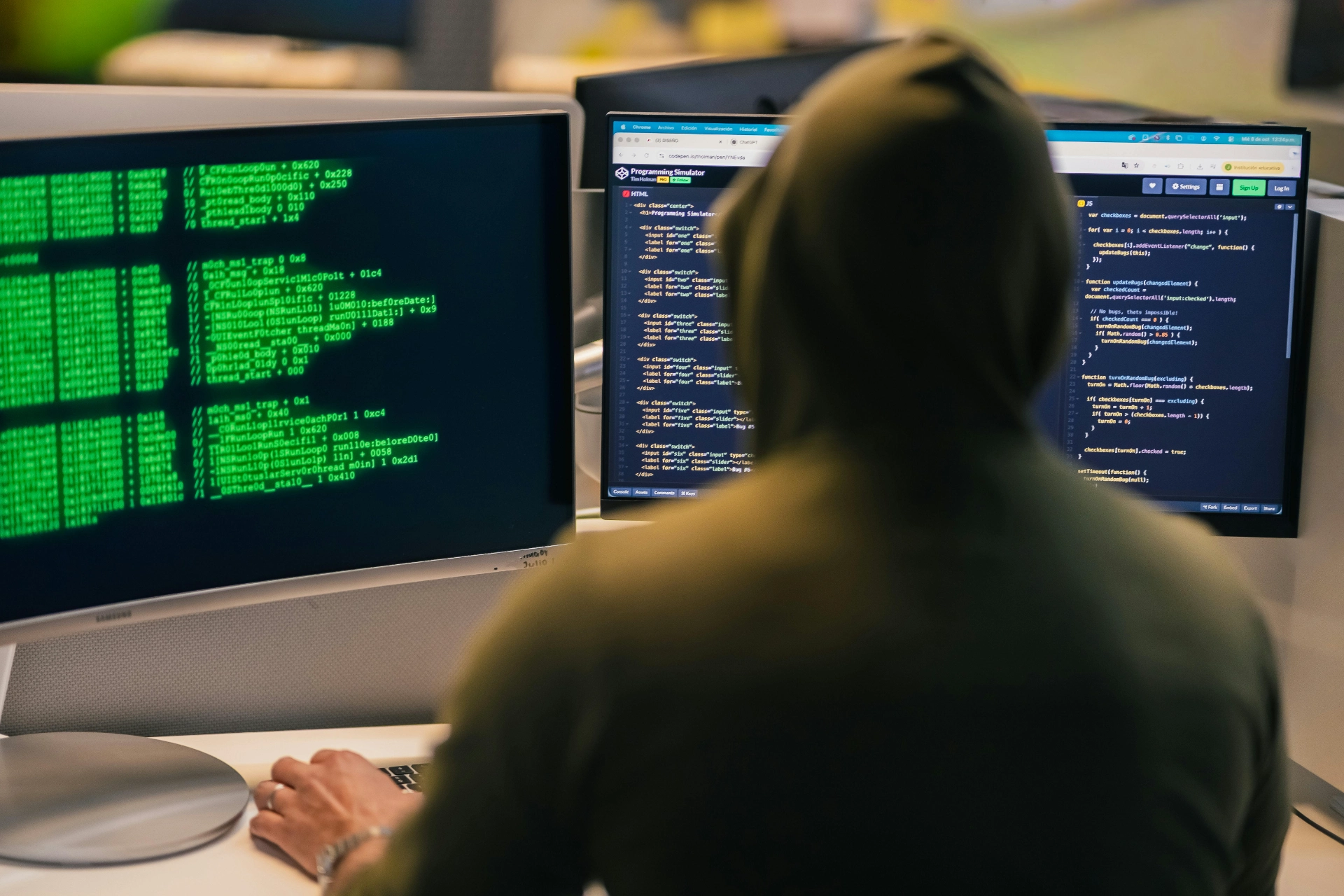
What should you do if your computer has been hacked?
Identifying the signs of hacking
A hacked computer can show a number of symptoms: slowdowns, programs opening automatically, or unusual connections to a dubious website. When a computer is hacked, it is very often a case of hacking exploited by malicious software. In some cases, the remote computer is controlled by a hacker looking to steal passwords or access your sensitive files. Knowing how to tell if a computer has been hacked is therefore the essential first step.
First steps in safety
If you fall victim to this type of attack, the priority is to quickly secure your access. Disconnect immediately if your computer is connected to a wi-fi network, then check your accounts, particularly your bank account, for any suspicious activity. Some cybercriminals install ransomware to demand a ransom, while others attack your hard drive directly to destroy your data. In all cases, it's vital to secure your digital environments to prevent the situation getting any worse.
What to do in the event of computer hacking
Identify the type of hacking and its consequences
There are several types of hacking that can affect your data. To know how to react, it is crucial to ask yourself how you can tell if your information has been compromised. For example, a hacked account may be a sign of a more serious hacking attack, involving unauthorised access to your files. When you think your computer has been targeted, check immediately to see if my computer has shown any suspicious behaviour such as slowing down or receiving a suspicious attachment.
Act quickly to limit the damage
The first step is to adopt the right reflexes. It is essential to limit the risks of piracy by applying security updates quickly. In some cases, a telephone number for technical support or a specialist centre may be useful for contacting a professional. To make your computer even more secure, never click on suspicious files, as viruses often exploit a security hole. Finally, never pay a ransom: it's better to learn what to do in the event of an attack and minimise the impact than to give in to blackmail.
When your computer is blocked, it becomes urgent to restore access to your data while strengthening your IT security. Before trying to access your account, make sure that the environment is clean and that the threat has been eliminated.
Reinforcing security after a hacking attack
Protecting your accounts and data
After a system has been hacked, it is essential to control access to your online services. If a hacker has taken control or compromised your information, start by checking your account settings and changing your credentials immediately. If necessary, restrict access to your account and activate strong authentication for your online accounts. This will prevent another attempt and reduce the risk of data loss.
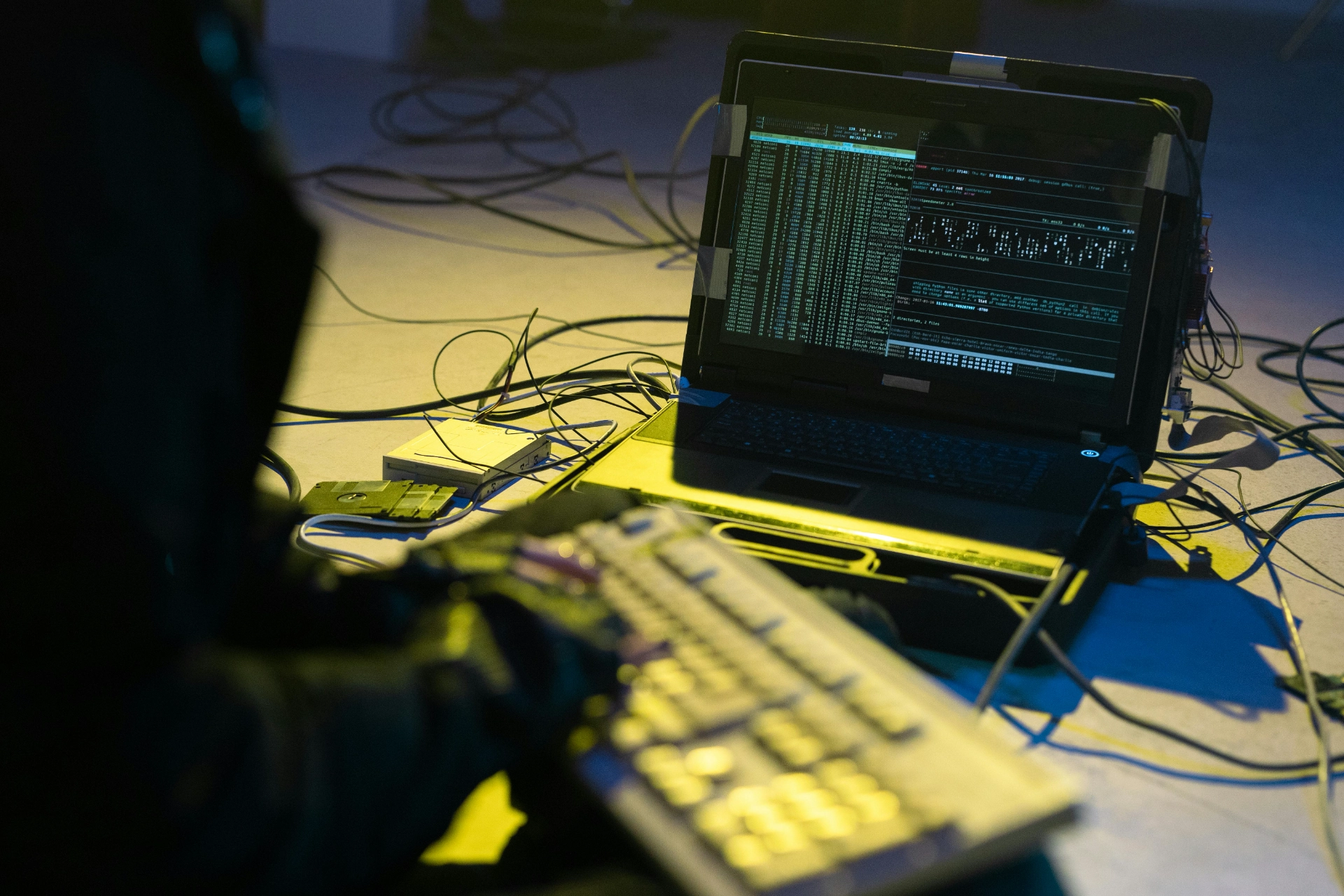
Adopting good cyber security practices
To prevent a recurrence, install a high-performance anti-malware security suite and analyse all the software on your machine. Remember to update your operating system regularly and check your computer regularly for any anomalies. If in doubt, it's best to err on the side of caution: back up all your sensitive data and seek professional advice. Finally, if you are sure, or simply think, that you have been a victim, take immediate action to reduce future risks.
When malicious programmes are installed, they can prevent all access and make your accounts harder to connect to. Faced with viruses and sophisticated attacks, management often becomes difficult for unprepared users, hence the importance of an immediate and organised response.
Conclusion
Having your computer or network hacked may seem worrying, but knowing how to react means you can quickly regain control. In the worst case scenario, hackers can exploit a flaw in your operating system, block your access and even steal sensitive data.
To avoid this, it is essential to run a full scan of your system, check for error messages and keep up-to-date with security patches. At the same time, monitor your computer network connections and avoid public networks that are too exposed.
Finally, in the face of malicious programmes, viruses and repeated intrusions, adopt the right reflexes: act quickly to minimise the risks, secure your back-ups and restore your files if they have been damaged. That way, even in the event of a complex hacking attack, you can minimise the damage and protect your data effectively.
👉 Access Byte Tools